Editor
PRVKIT Editor
Make one image your own. Work with layers, editable text, selections and supported professional files.
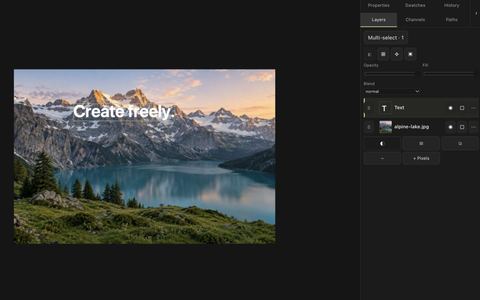
- Layers, text, painting and vectors
- Supported PSD, ORA and SVG workflows
Free core and supported PSD · optional PRO tools
Private creative and file tools
Edit images, prepare photo collections for clients, and convert files locally in your browser.
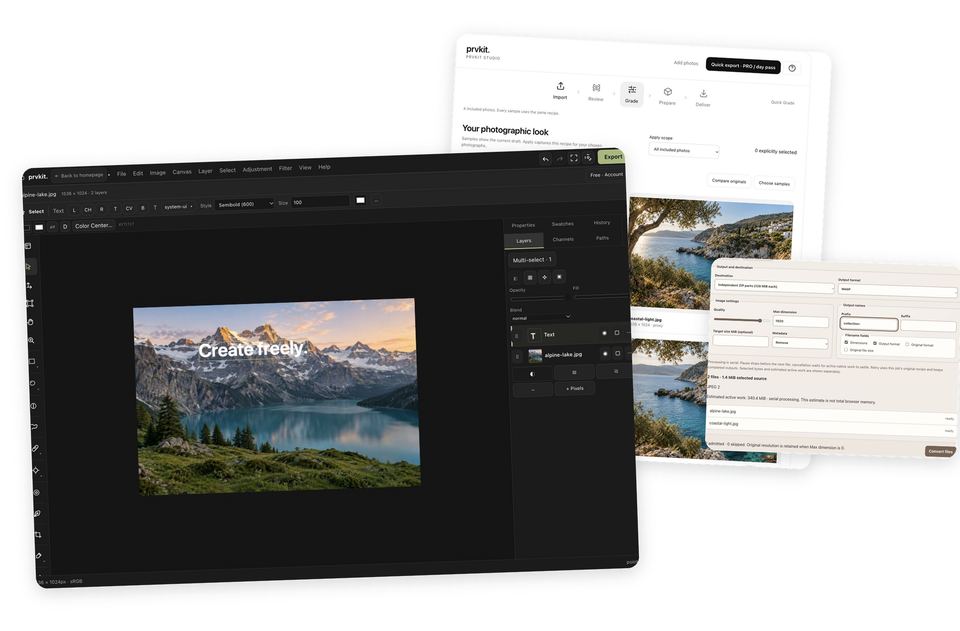
Three ways to work
Editor
Make one image your own. Work with layers, editable text, selections and supported professional files.
Free core and supported PSD · optional PRO tools
Batch Studio
From a collection of photographs to a prepared client package. Review, grade and organize your delivery.
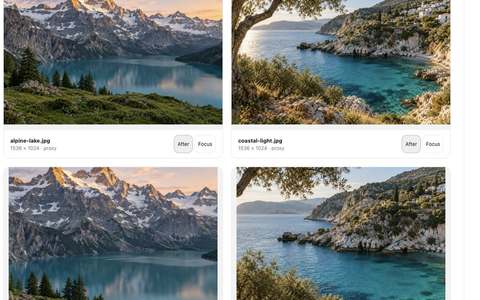
Import Look Delivery
Free previews · export with PRO or Studio Day Pass
Batch Converter
One conversion workflow for a larger collection. Resize, rename and save to a supported folder or archive.
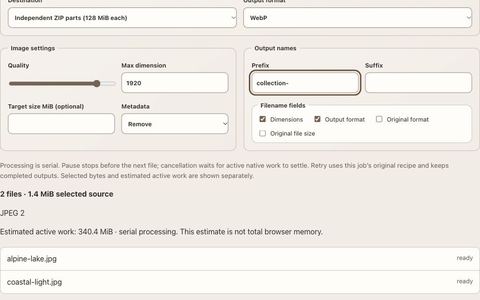
Monthly PRO · Studio Day Pass does not unlock this tool
Everyday tools
For a small free resize/compression batch, use Batch Image Optimizer. It is a separate workflow from Studio and the PRO Converter.
Why PRVKIT
Selected creative files are processed locally. These tools do not upload your photographs or document contents.
How file privacy worksYour browser still requests website code and optional processing assets. Separate account and payment services use account information, not creative-file content.
Use the Editor’s Free core, free utilities and all Studio previews. Verified PRO unlocks additional tools; the Studio Day Pass covers Studio export only. Choose PRO or a Studio Day Pass with your email, then confirm your email after payment.
Explore PROUseful context
Privacy
Understand what metadata cleaning removes, and what can remain visible.
Read guideFormats
Choose PNG, JPEG or WebP for the result and destination you need.
Read guideHow it works
Understand local file processing, site requests and browser limits.
Read guide